A quick tour
The sidebar, the Library toolbar, the Help menu and Settings at a glance.
The left sidebar switches between workspaces; everything else opens from its bottom row.
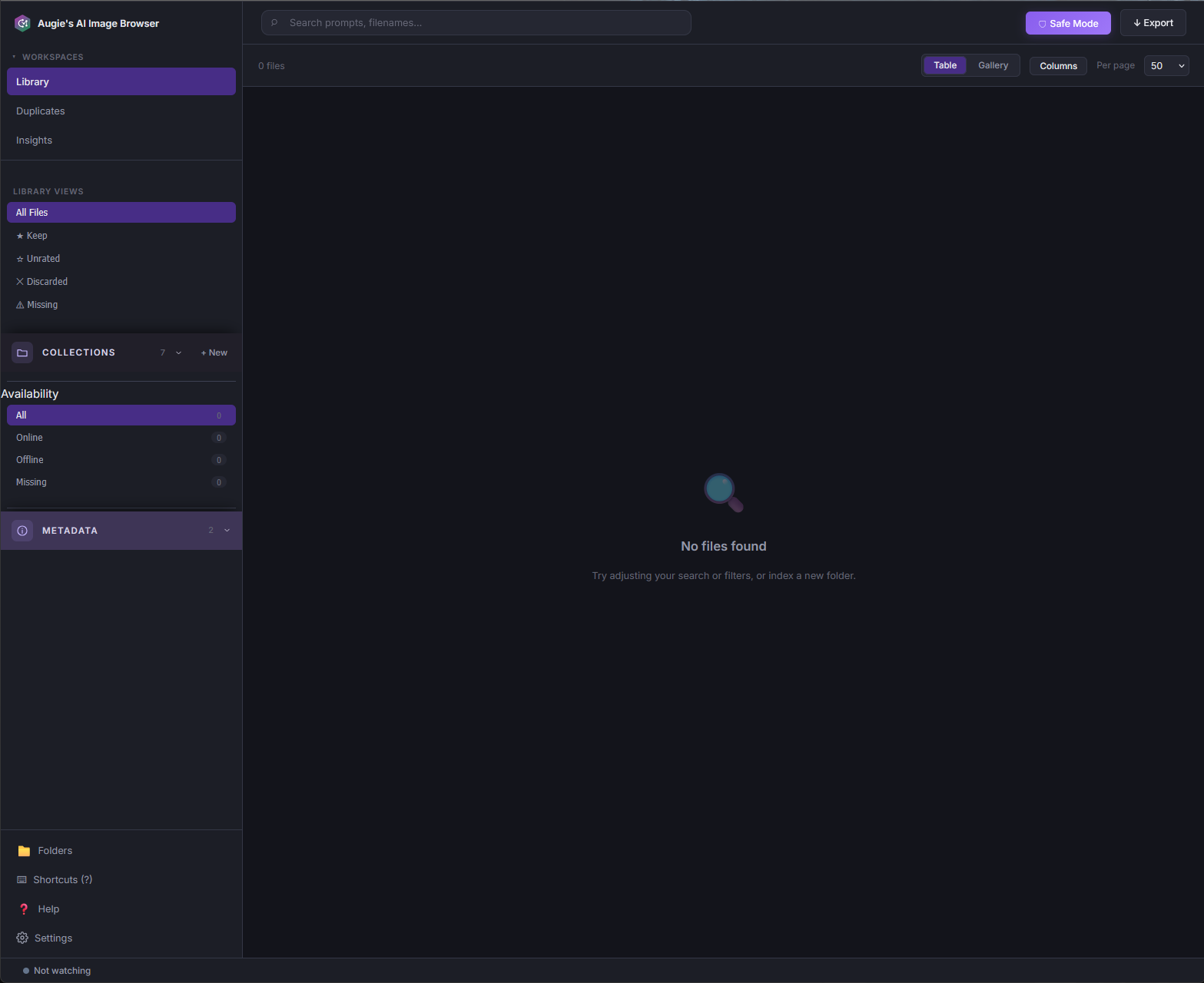
| Where | What's there |
|---|---|
| Library | Browse, search, filter and organise all your images |
| Duplicates | Find near-identical images and tidy them up |
| Insights | Charts about what you generate, quality, tags and library health |
| 📁 Folders | Add, remove and relink the folders in your library |
| ⌨ Shortcuts | Every keyboard shortcut (or press ?) |
| Help | Documentation, What's New, Check for updates, Send feedback, Support the project ♥, About |
| Settings (gear) | General & Updates, Privacy, Storage & Files, Collection Rules, Excluded files, Models, Personal score |
At the top of the Library you'll find the search box (with the ✦ AI switch for AI search), the Gallery / Table view switch, how many images to show per page (24, 48, 96 or 192) and page controls.